

PC Repair (bad motherboard, bad RAM, bad HDD)
Who: Mary L.
When: January 2019
So this repair request has a very interesting backstory. Customer contacts me because her PC won’t boot, and she’s getting POST codes every time she tries. This is a Dell Dimension 3100 Workstation-grade PC, built in 2005. Just goes to show the age, right? This PC has light-up error codes on the front panel, as well as audible beeps from the onboard buzzer. Light code: 1-3 (indicating a memory error); beep code 1-3-2 (indicating a memory error).
So, the interesting thing about this is that she has two more Dell Dimension 3100 PCs on hand that are not in use, so I have spare parts to work with. How delightful, no need to wait on parts orders! Or so I thought. For clarification purposes, these PCs use DDR2-533 MHz memory. System 1 (her “active” system) has 2×1 GB installed; system 2 (her first donor PC) has 2×512 MB installed; and system 3 (her second donor PC) has 2×256 MB installed. In today’s terms, this RAM sucks. I clearly want her to max out the RAM she’s capable of using with her Pentium 4 CPU… which, sadly, is 2 GB. Other than the RAM, all three systems are 100% identical parts-wise, which means zero trouble swapping parts as far as Windows 7 is concerned.
Here’s the steps I took to diagnose this issue, and you’ll see just how fun these parts can be:
- Booted up System 1 (the PC she wanted to get working) with 1 RAM stick in (both configurations failed)
- Booted up System 2 (the first donor PC) as-is (succeeded)
- Moved RAM from System 1 to System 2, booted System 2 (all configs failed – System 1’s RAM is officially dead)
- Moved System 2’s original RAM into System 1 (all configs failed – now I know System 1’s motherboard RAM slots are also at fault)
- Moved System 2’s RAM back into System 2 (all configs failed – the RAM broke the slots, the slots broke the RAM, and now the RAM broke another motherboard!) With two dead motherboards and two dead RAM sets, I have no choice but to use System 3 for its working motherboard and RAM.
- Booted System 3 (succeeded, but slow — 512 MB of RAM will do that)
- Moved System 1’s HDD into System 3 (succeeded, but slower than last boot)
- Rebooted into BIOS, found one of the RAM sticks is now no longer detected – PC’s running on 256MB of RAM!
- Rebooted out of BIOS – memory failure errors return. The only constant in all three situations is now the HDD, which means the HDD failure surged the motherboard and the RAM.
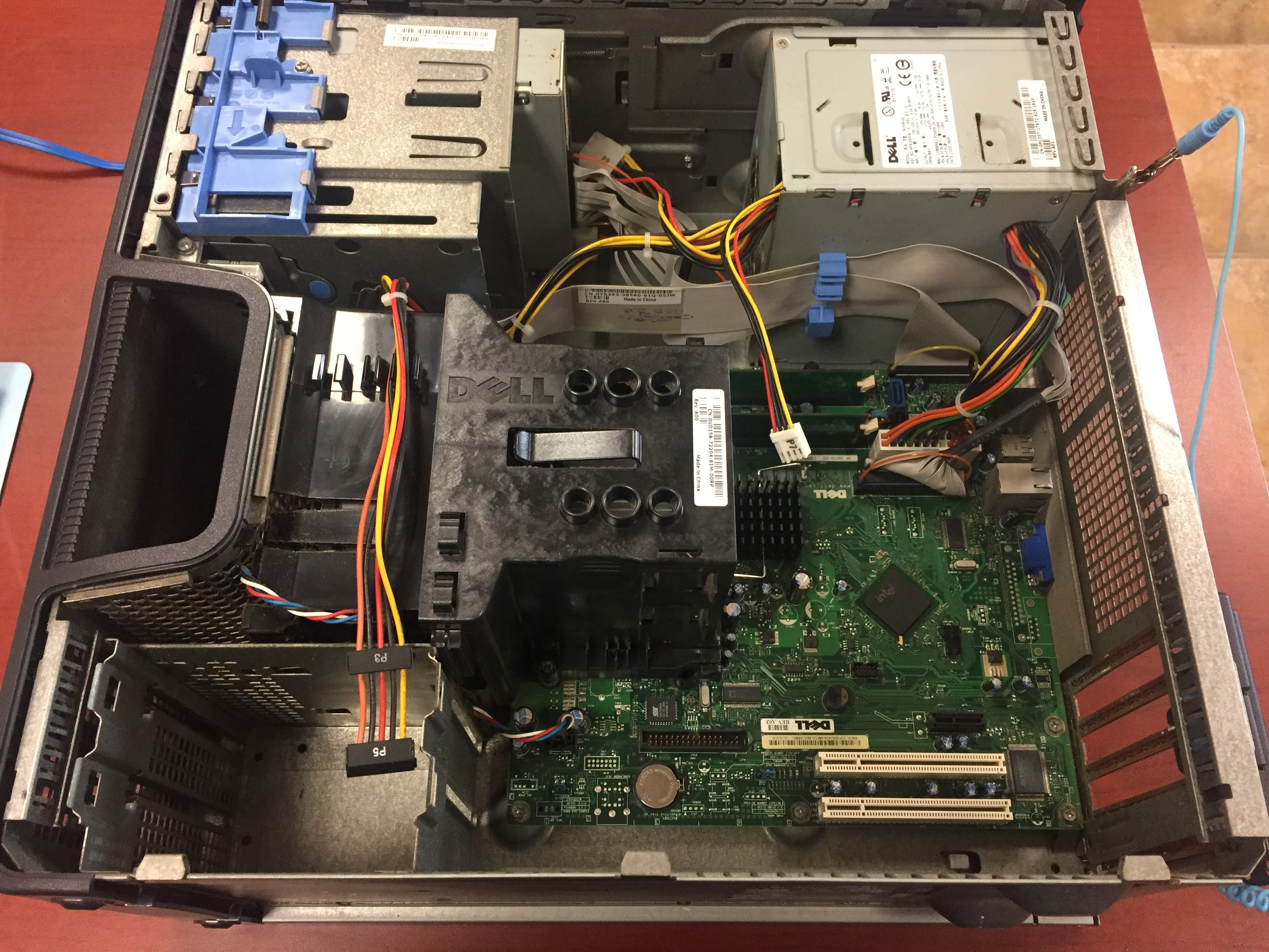
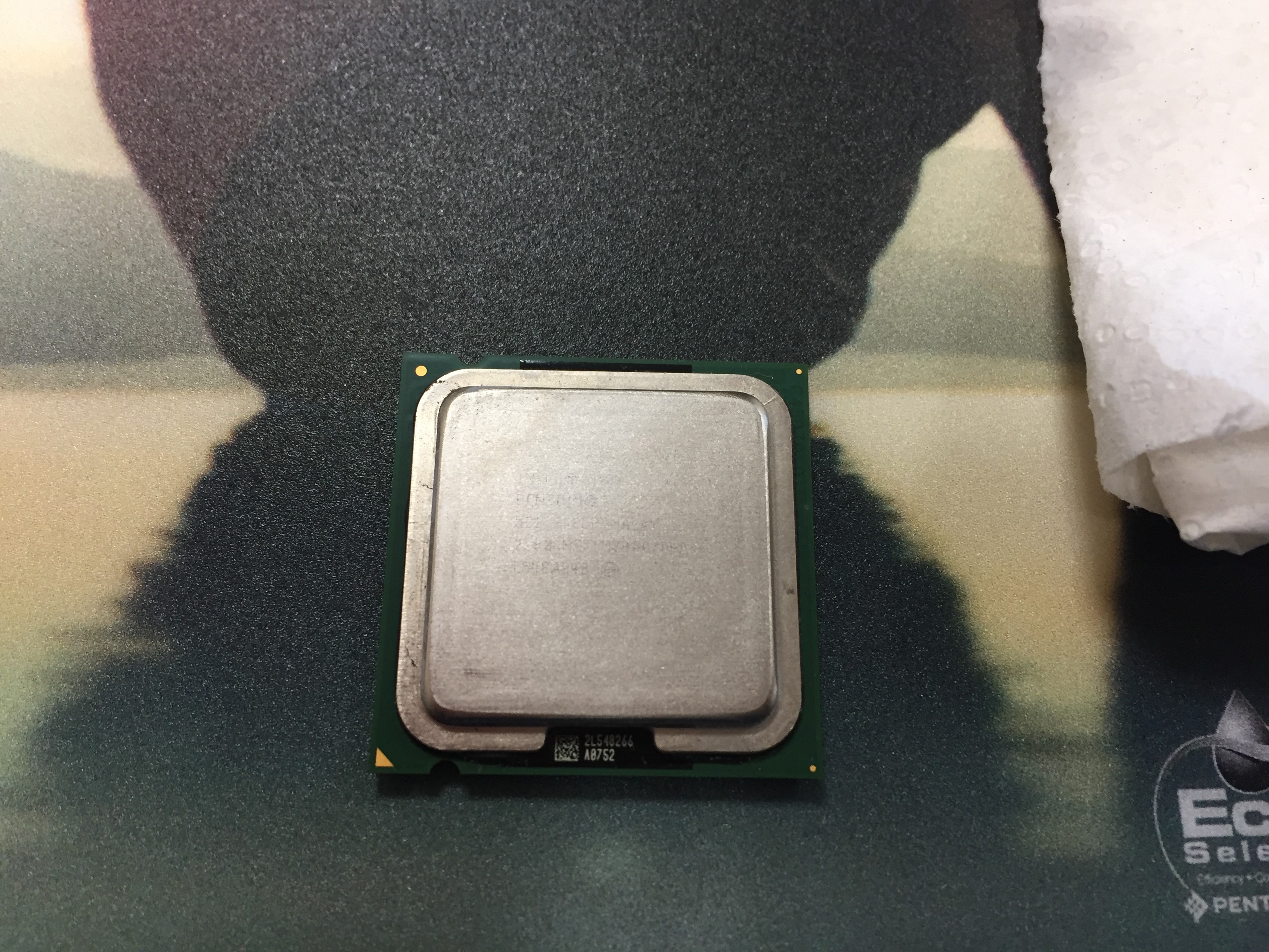
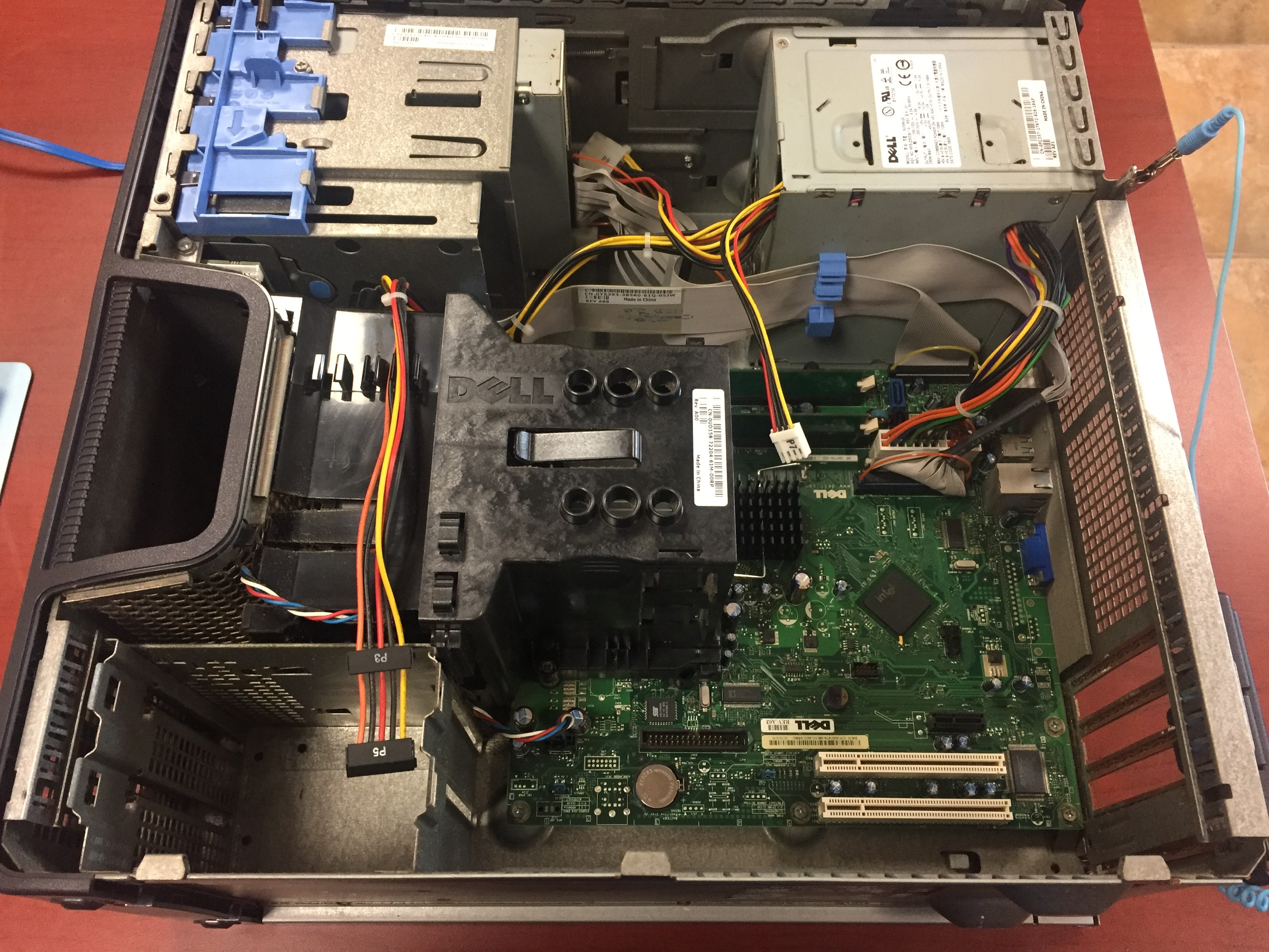
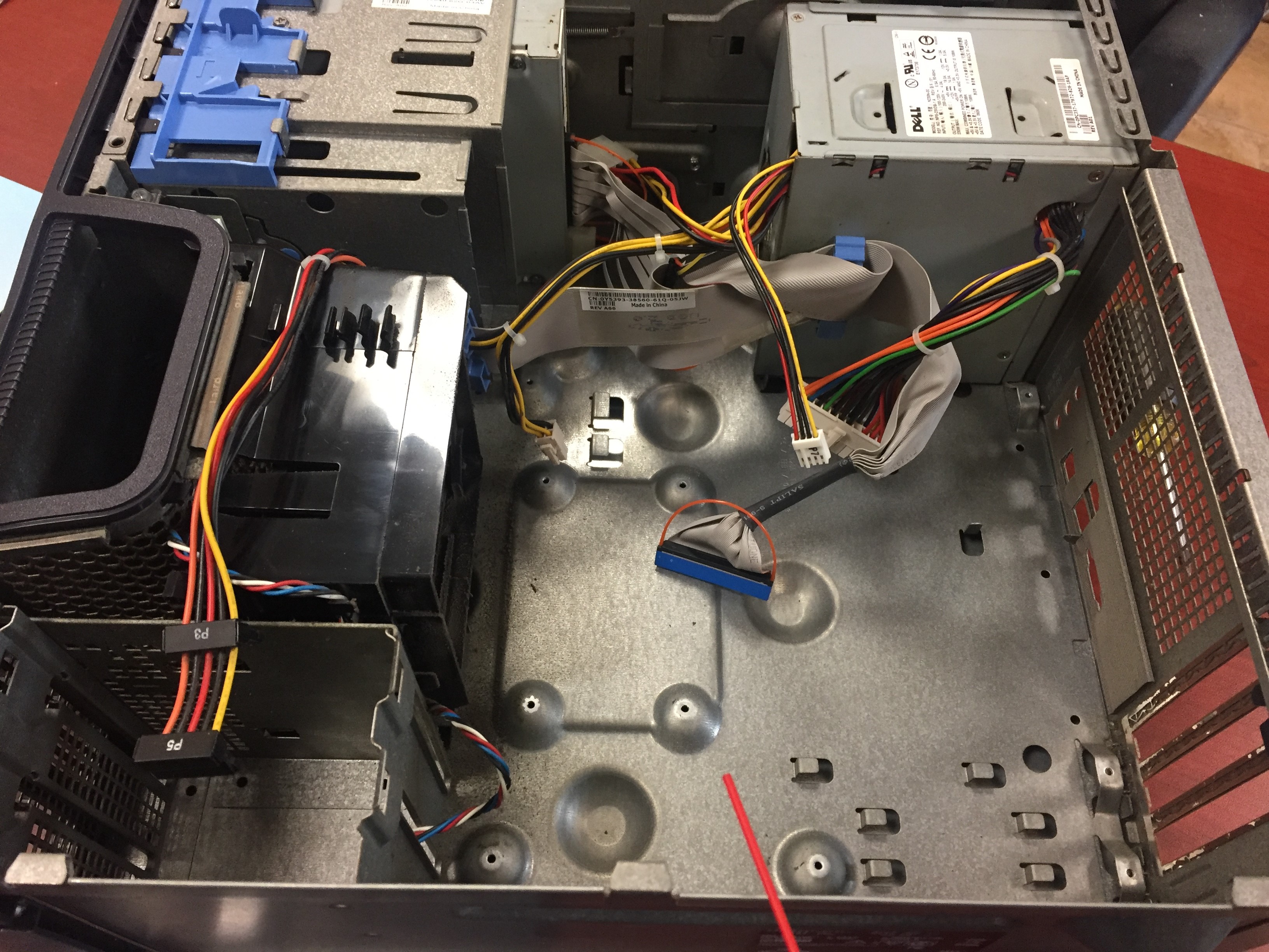
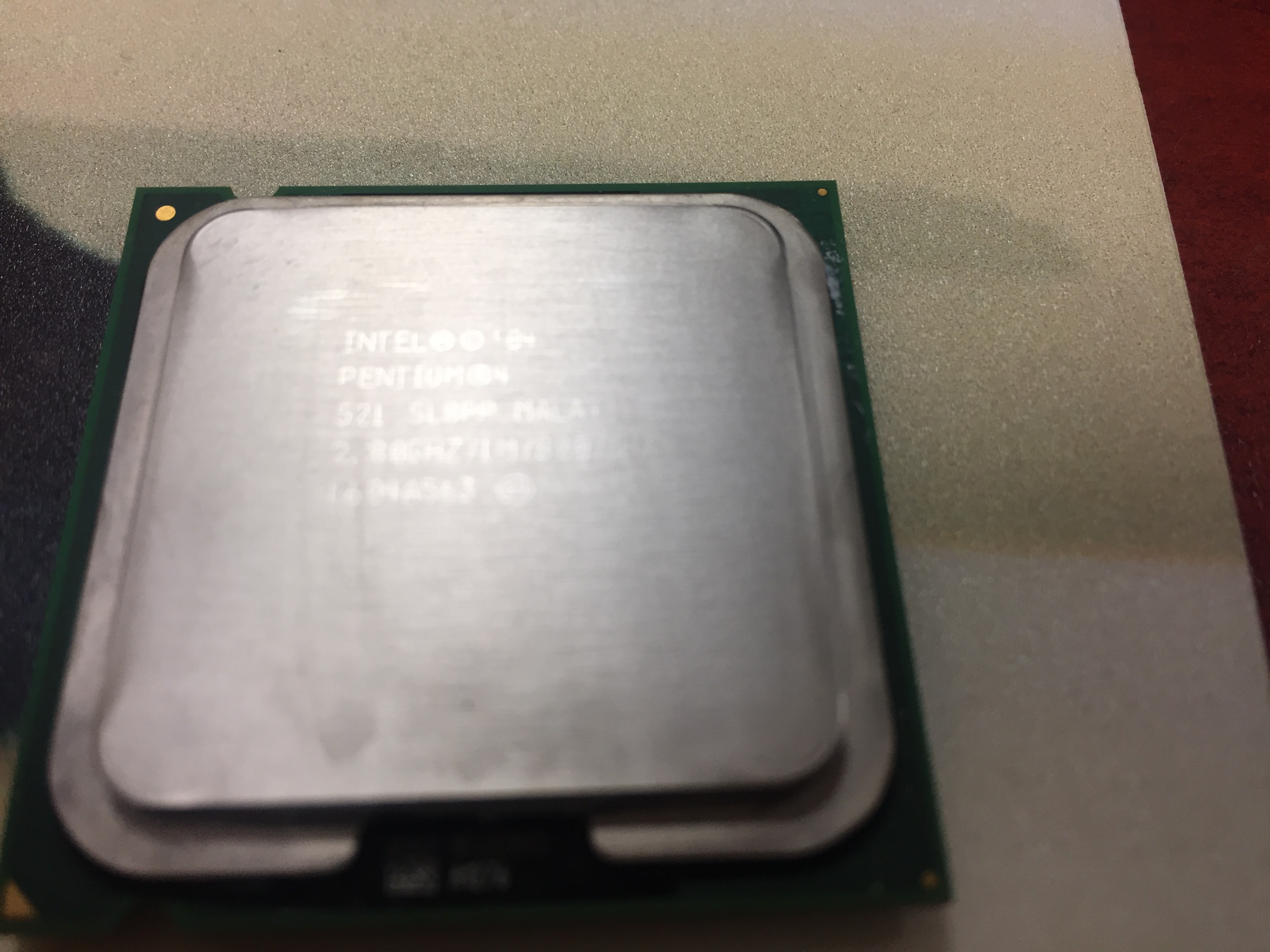
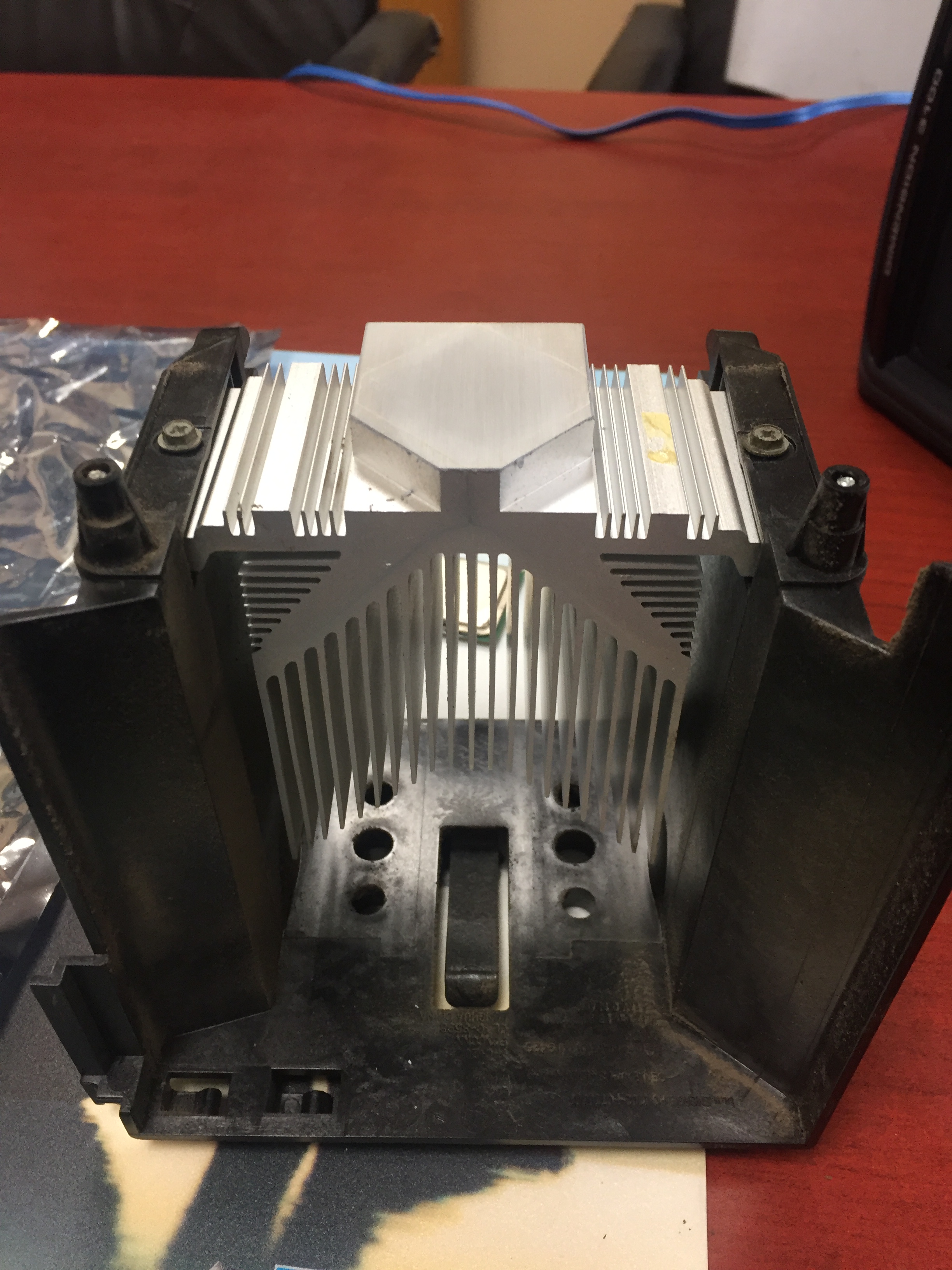
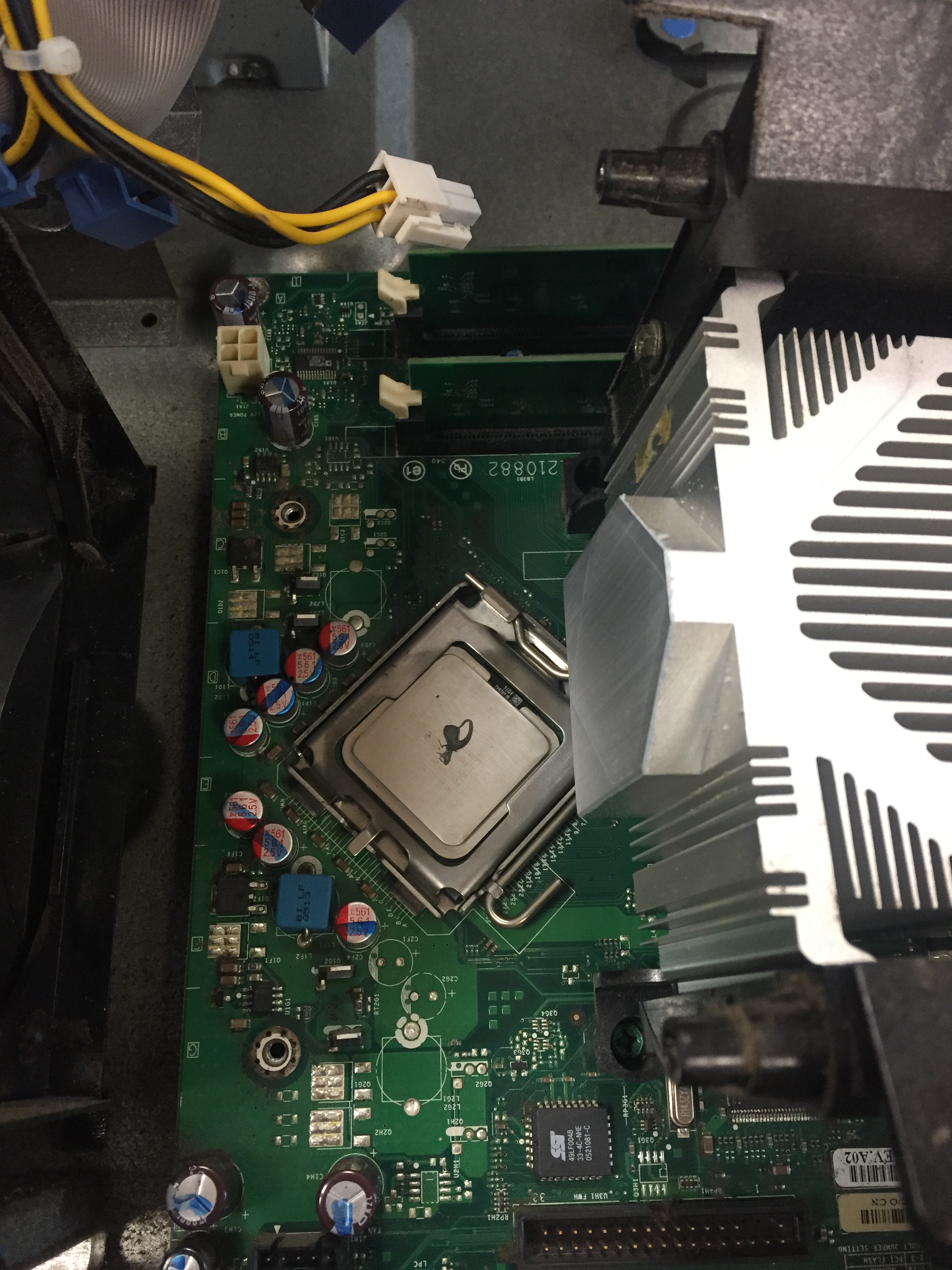
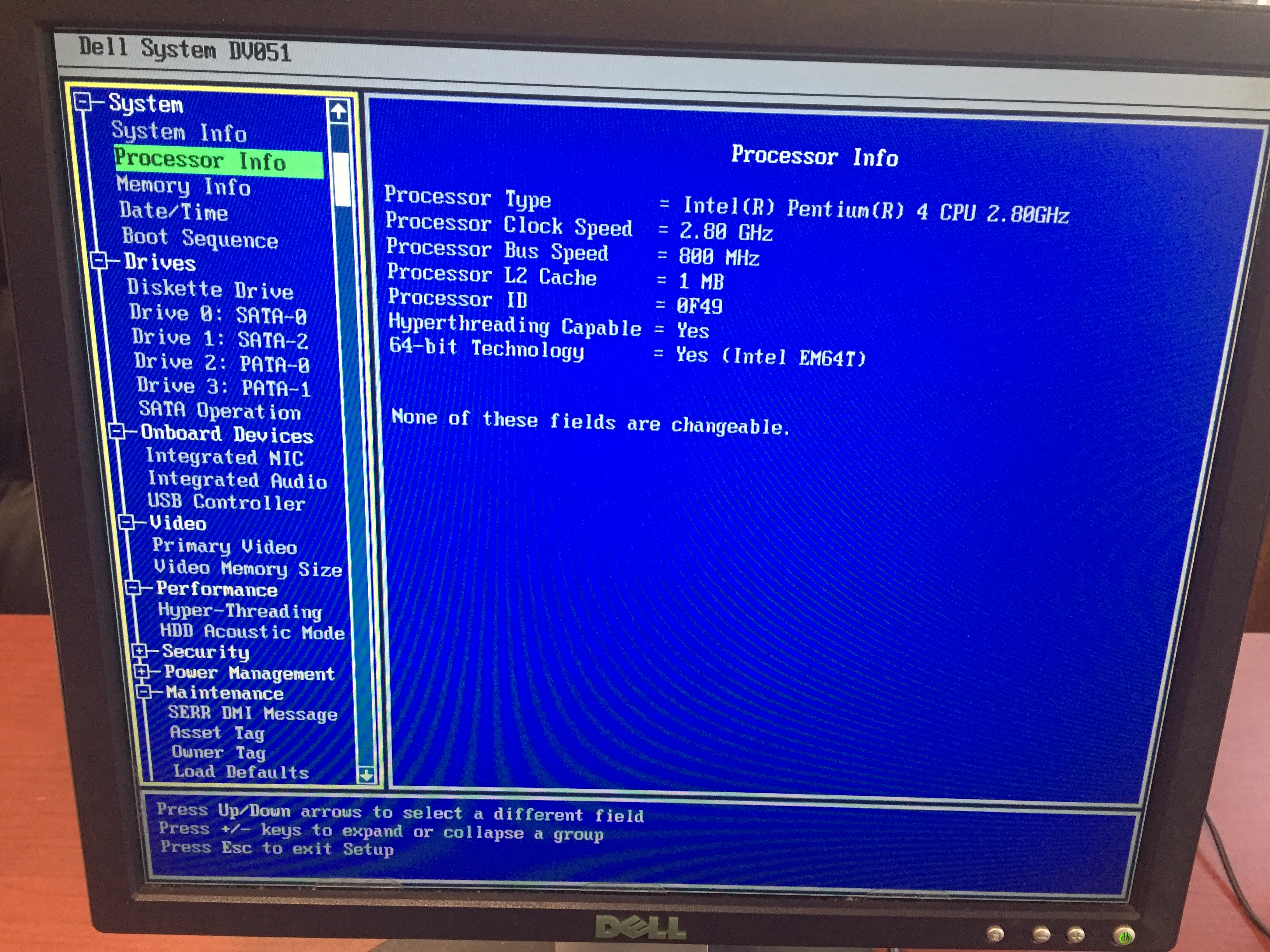
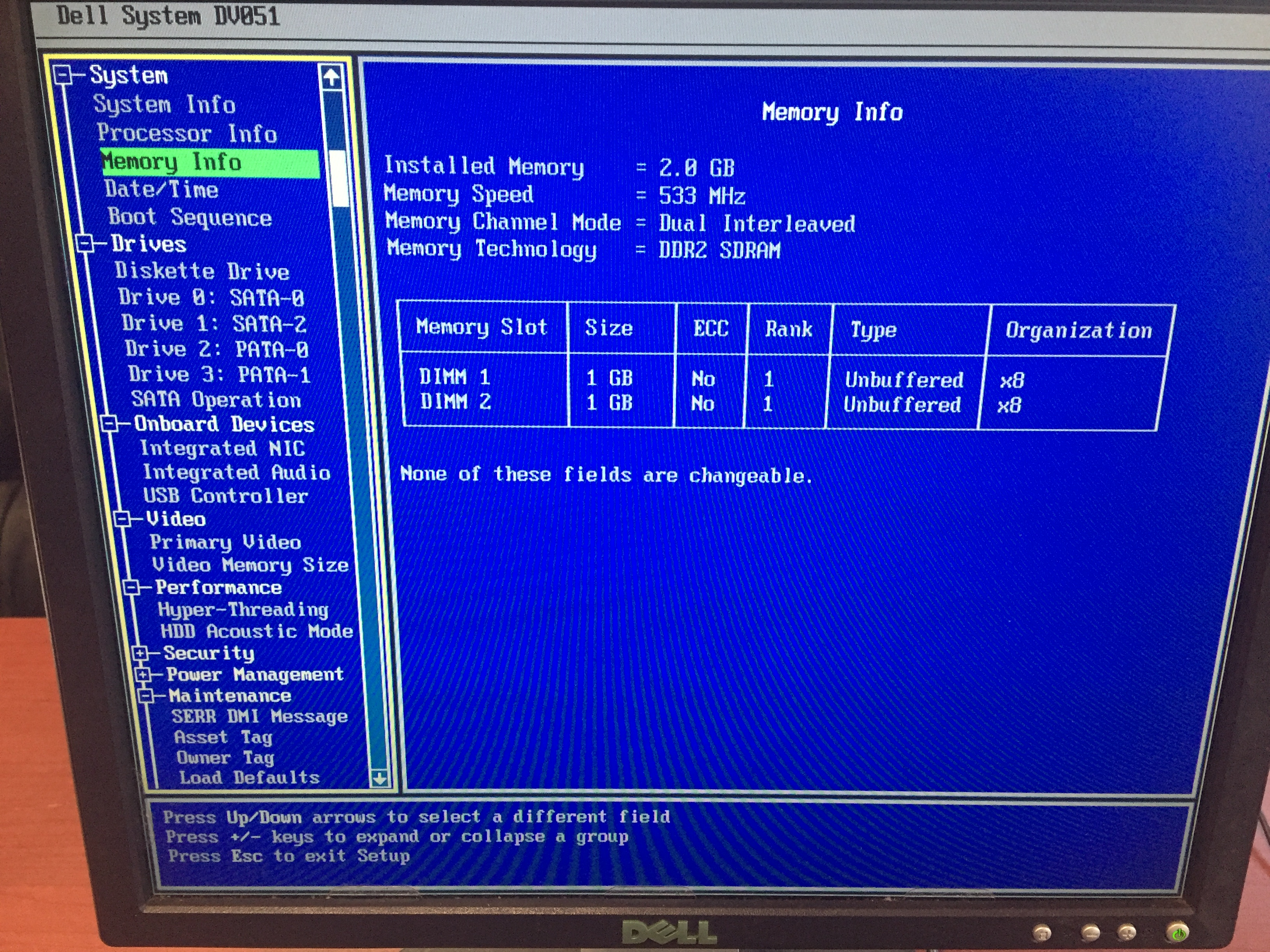
- Ordered HDD, Motherboard, and RAM, and installed once all parts arrived. Pictures below are from the parts replacement process, including cleaning the CPU lids of old thermal compound, and tidying the cables a little bit (cable management in this case is atrocious, especially for computers that use IDE ribbon cable). Also included pictures of BIOS after repairs showing all components working.



Full Build:
- CASE: Dell Dimension 3100 Mid Tower, Black
- MOBO: Dell 0JC474 LGA775 Motherboard
- CPU: Intel Pentium 4, 2.8 GHz
- COOLER: Dell Dimension Stock Cooler (Passive Cooling — no fan attached)
- RAM: 2 GB Corsair ValueSelect, DDR2-533 (2×1 GB)
- PSU: Dell 230 Watt ATX, Nonmodular
- HDD1: MediaMax 250 GB HDD, 7200 RPM, SATA2
 Falconi PC Solutions